

Prepare and record patient consent
Use the clinic's reviewed template, confirm patient context and verify the signed record.
By ClinBeam · Practical product workflow guidance
Complete the steps below and check each recorded result before moving to the next workflow.
Where to work: Consent templates → patient consent preview / workspace · Clinician / Clinic administrator
Before you start
- Clinic-approved content, correct patient and an authorized consent workflow.
- The selected clinic and record are correct.
- The module and required actions are available to your account.
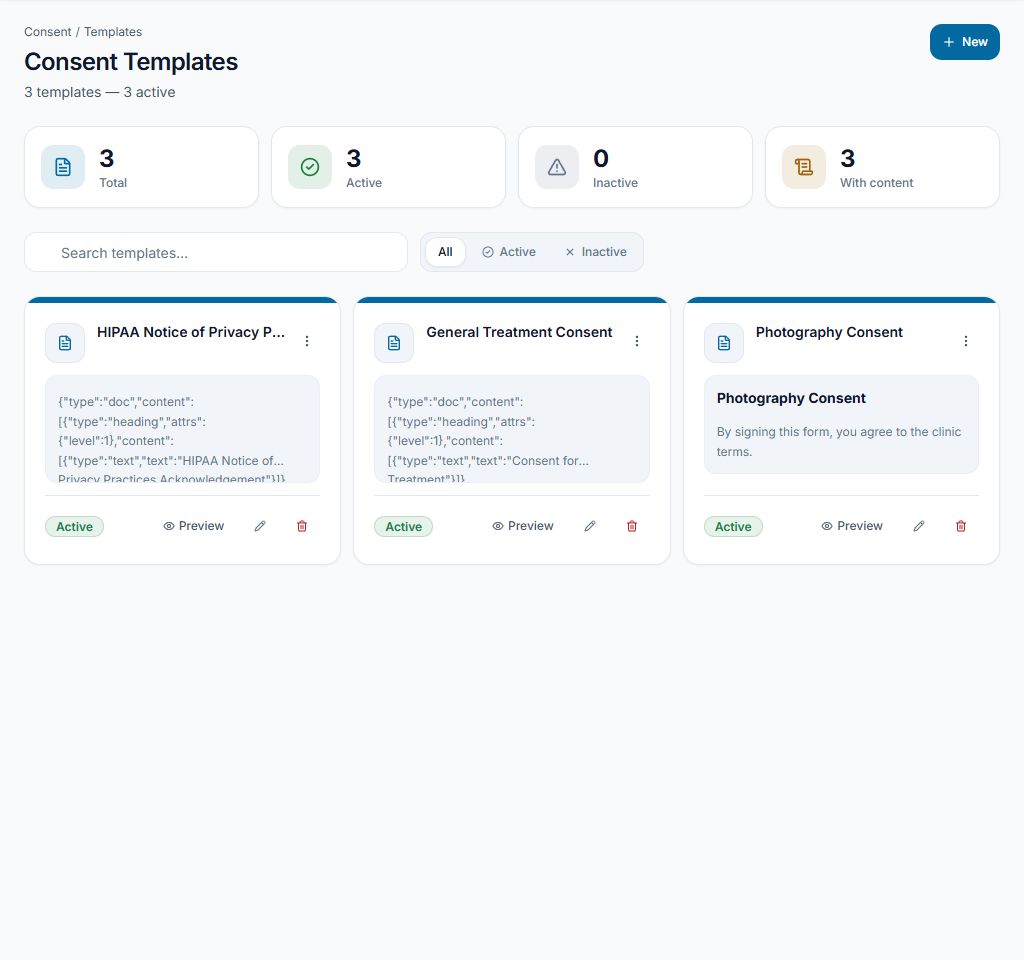
Review the template
Open Consent templates and review the active template intended for the procedure. Administrators can create/edit templates where authorized. Example or seeded wording must be reviewed before real clinical use.
Check the result The selected template is approved for the clinic's actual process, not assumed legally sufficient.
Discuss and preview
Open consent for the intended patient and review the rendered content together. Confirm patient identity, procedure context and any questions. Opening a preview does not record consent.
Check the result The patient and clinician have reviewed the intended document.
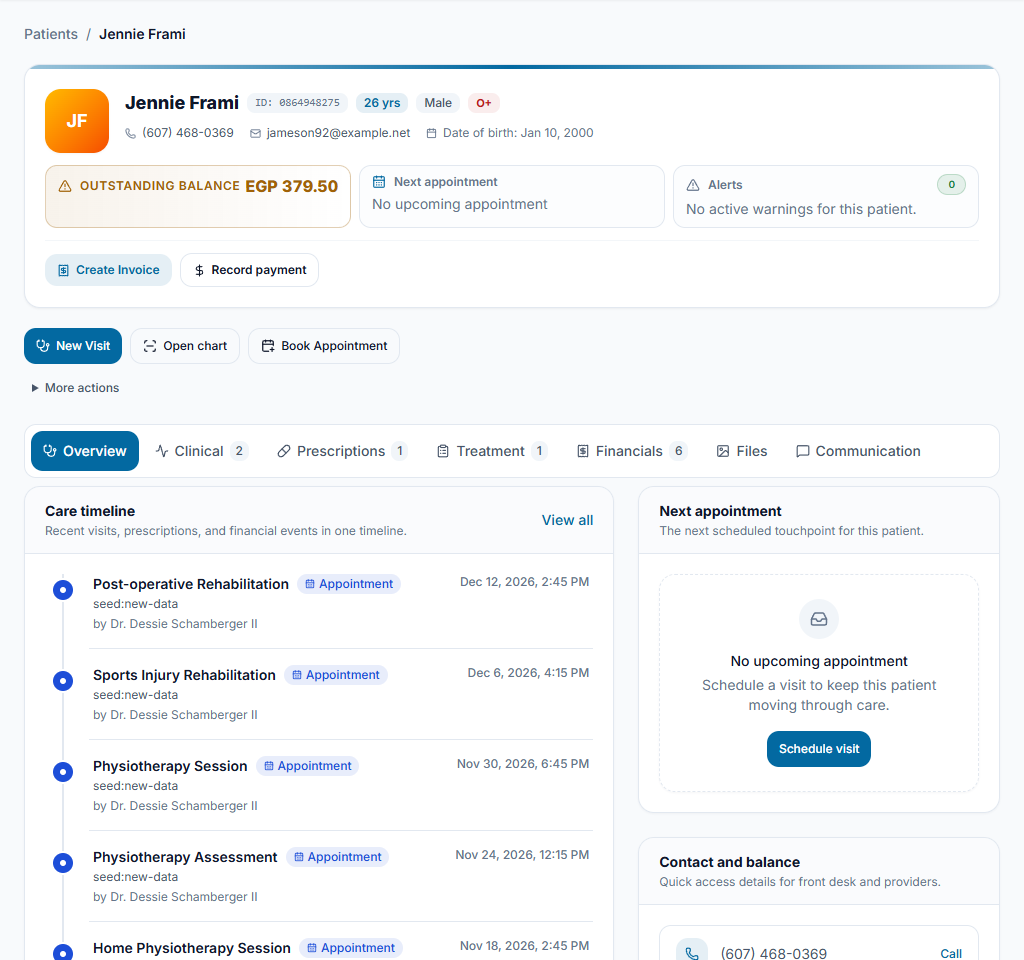
Record and verify signing
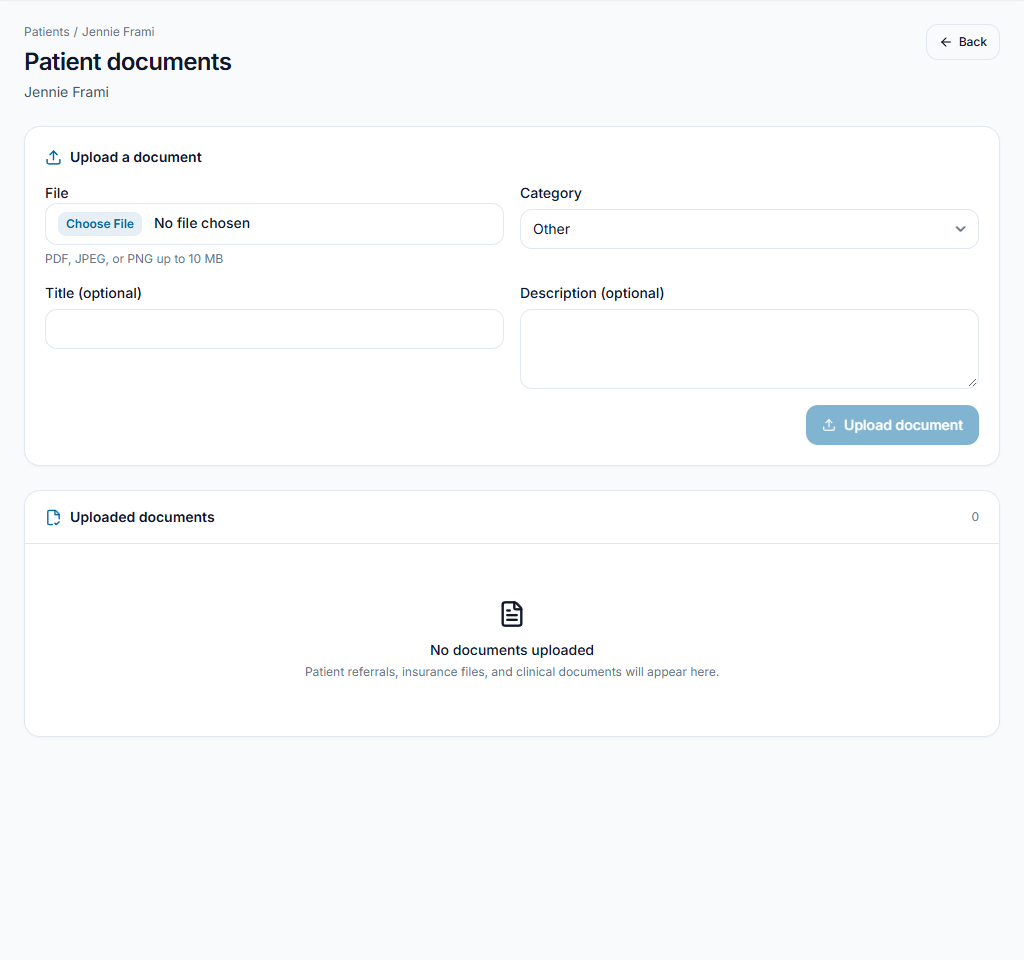
Use the authorized consent-signing controls after the real acknowledgement. Open the saved signed version/PDF and check patient, template and date. Keep it accessible from the patient record.
Check the result The saved signed document matches the actual acknowledgement.
Worked example
An administrator prepares a reviewed template; the clinician discusses it with the patient and checks the resulting signed copy.
Something not working?
Only a preview is available.
Check signing permission and the clinic's configured process. Do not label an unsigned preview as signed or upload a fabricated acknowledgement.
The screen or action is unavailable.
Ask the clinic administrator to check your role, individual permissions, clinic context and enabled modules. Do not use another person’s account.
Team checklist
- The selected template is approved for the clinic's actual process, not assumed legally sufficient.
- The patient and clinician have reviewed the intended document.
- The saved signed document matches the actual acknowledgement.