

Count physical stock and transfer between locations
Record count results and move stock through their explicit approval/completion stages.
By ClinBeam · Practical product workflow guidance
Complete the steps below and check each recorded result before moving to the next workflow.
Where to work: Inventory → Stock Counts / Stock Transfers · Clinic administrator
Before you start
- Configured locations, actual counted quantities and permission to finalize movements.
- The selected clinic and record are correct.
- The module and required actions are available to your account.
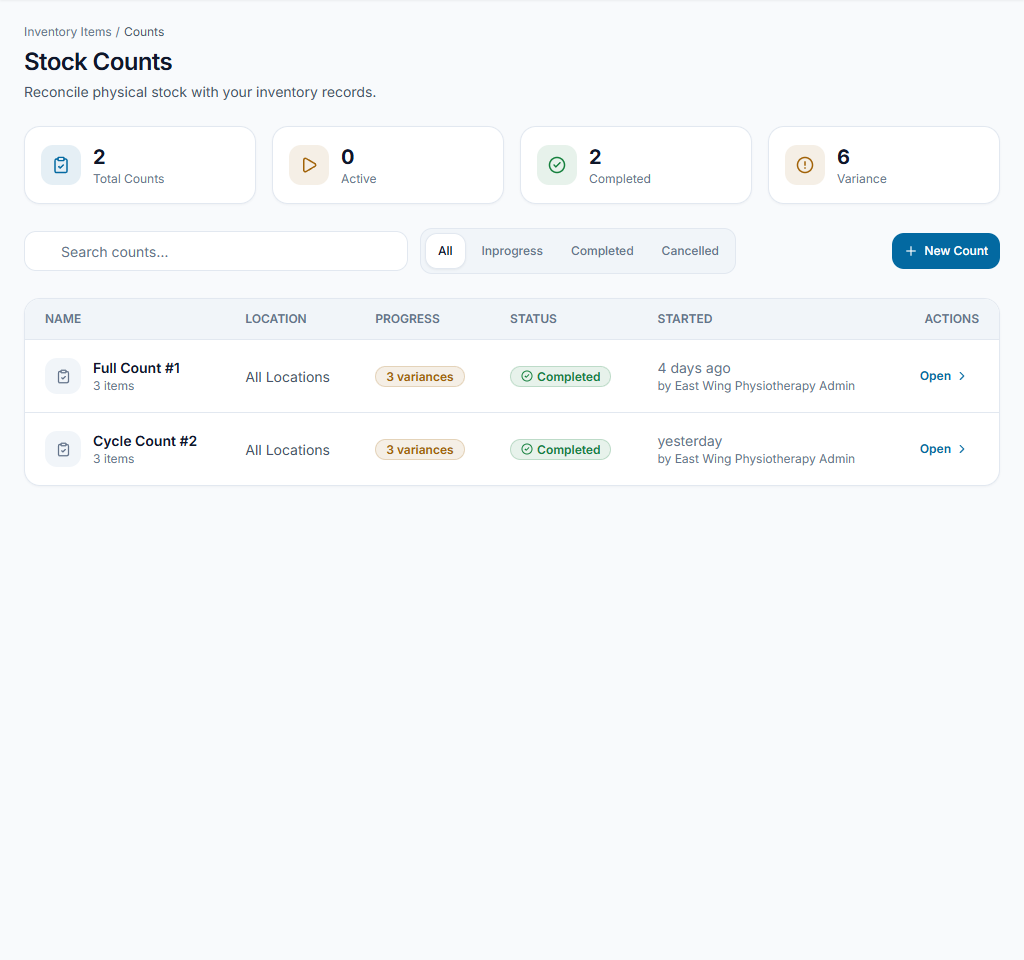
Start a stock count
Open Stock Counts and create the intended count. Open its details, review the listed items and record physically counted quantities using Record count. Keep units consistent.
Check the result Count lines contain the physical results, not copied expected balances.
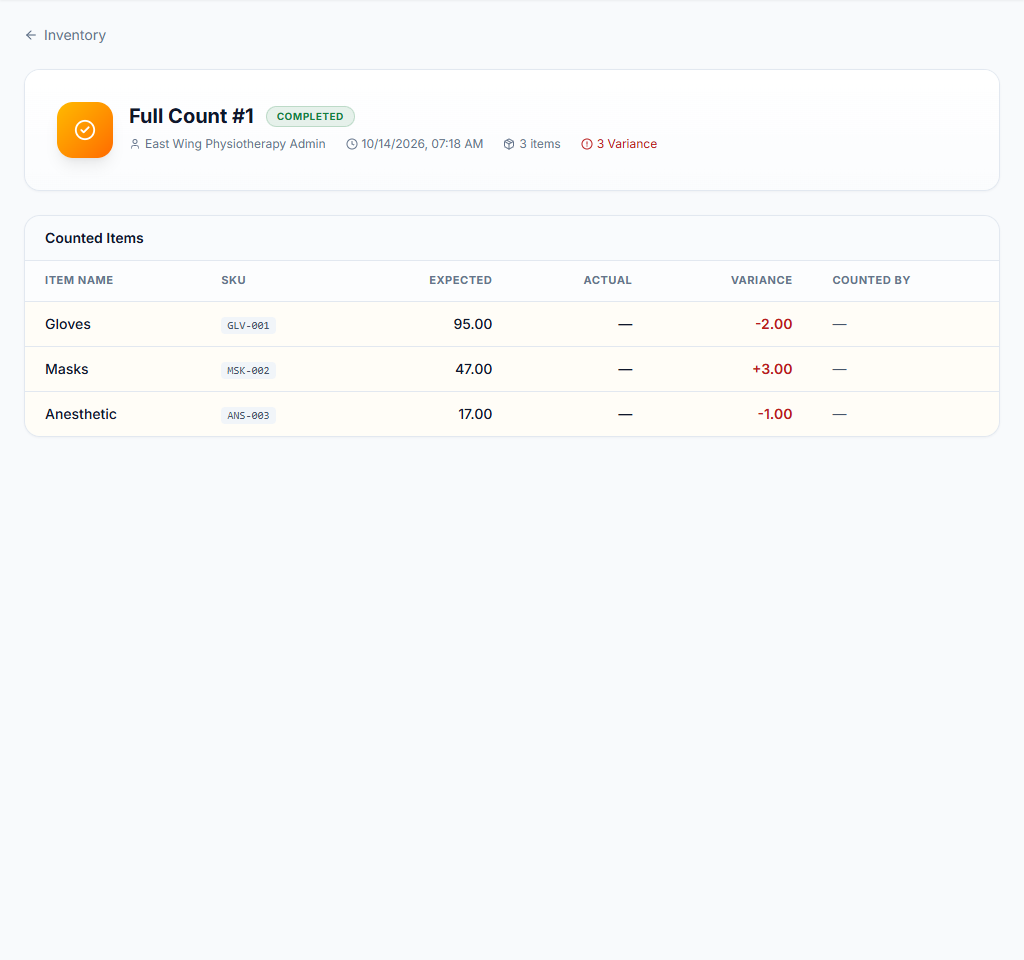
Review before applying differences
Review recorded count differences and complete the count only after checking them. Completion can apply stock adjustments; recording a draft count is not the same as finalizing it.
Check the result The final count and resulting stock changes are deliberate and traceable.
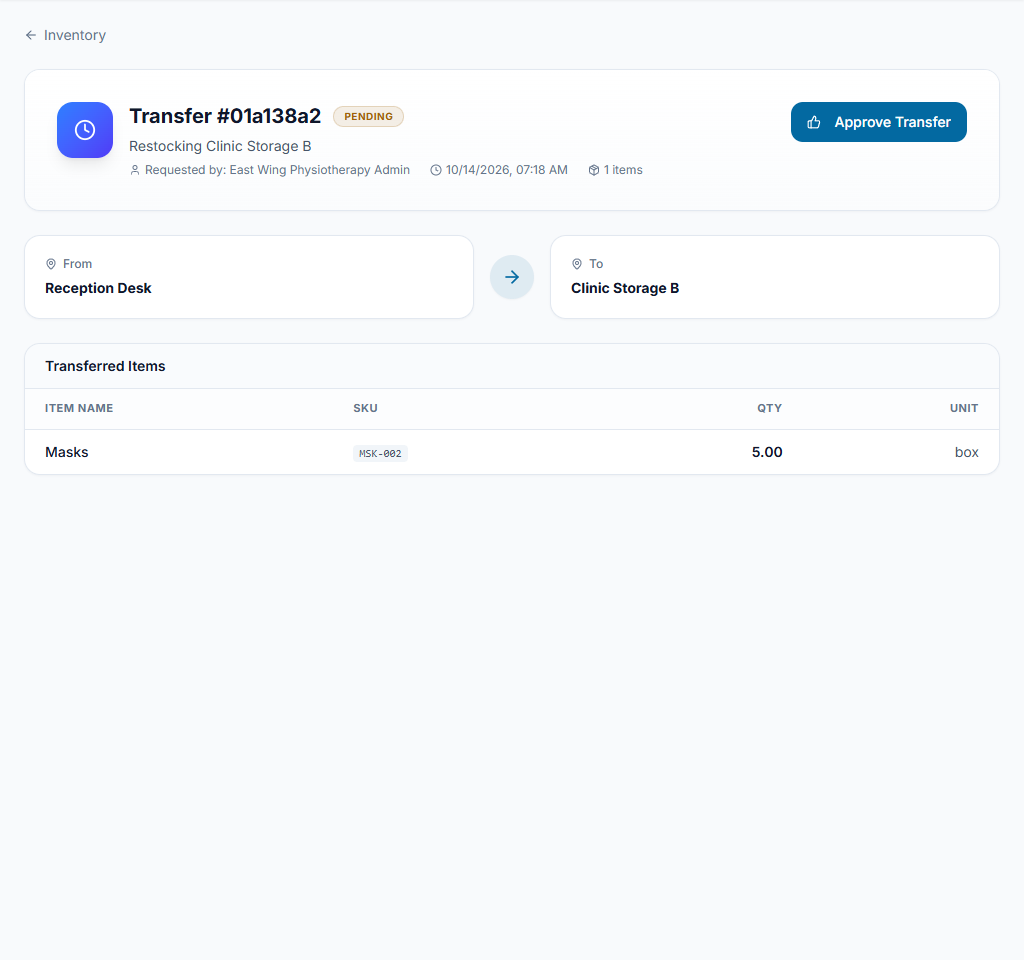
Transfer through the proper stages
Create a Stock Transfer with source, destination, items and quantities. Review the draft and use the allowed approval/completion actions when stock actually moves. Check both locations after completion.
Check the result The recorded transfer agrees with the physical movement and location balances.
Worked example
Move supplies from storage to a treatment room through a transfer. Use a count to investigate a discrepancy rather than creating a fake transfer.
Something not working?
A transfer cannot be completed.
Check its status, approval requirements, source availability and permission. Do not create another transfer to bypass the unresolved one.
The screen or action is unavailable.
Ask the clinic administrator to check your role, individual permissions, clinic context and enabled modules. Do not use another person’s account.
Team checklist
- Count lines contain the physical results, not copied expected balances.
- The final count and resulting stock changes are deliberate and traceable.
- The recorded transfer agrees with the physical movement and location balances.