

Receive stock and record clinic consumption
Keep item units, batches and stock movements consistent with actual receipts and usage.
By ClinBeam · Practical product workflow guidance
Complete the steps below and check each recorded result before moving to the next workflow.
Where to work: Inventory → item details; Locations / Suppliers · Clinic administrator
Before you start
- Inventory access, configured item/unit and actual receipt or consumption information.
- The selected clinic and record are correct.
- The module and required actions are available to your account.
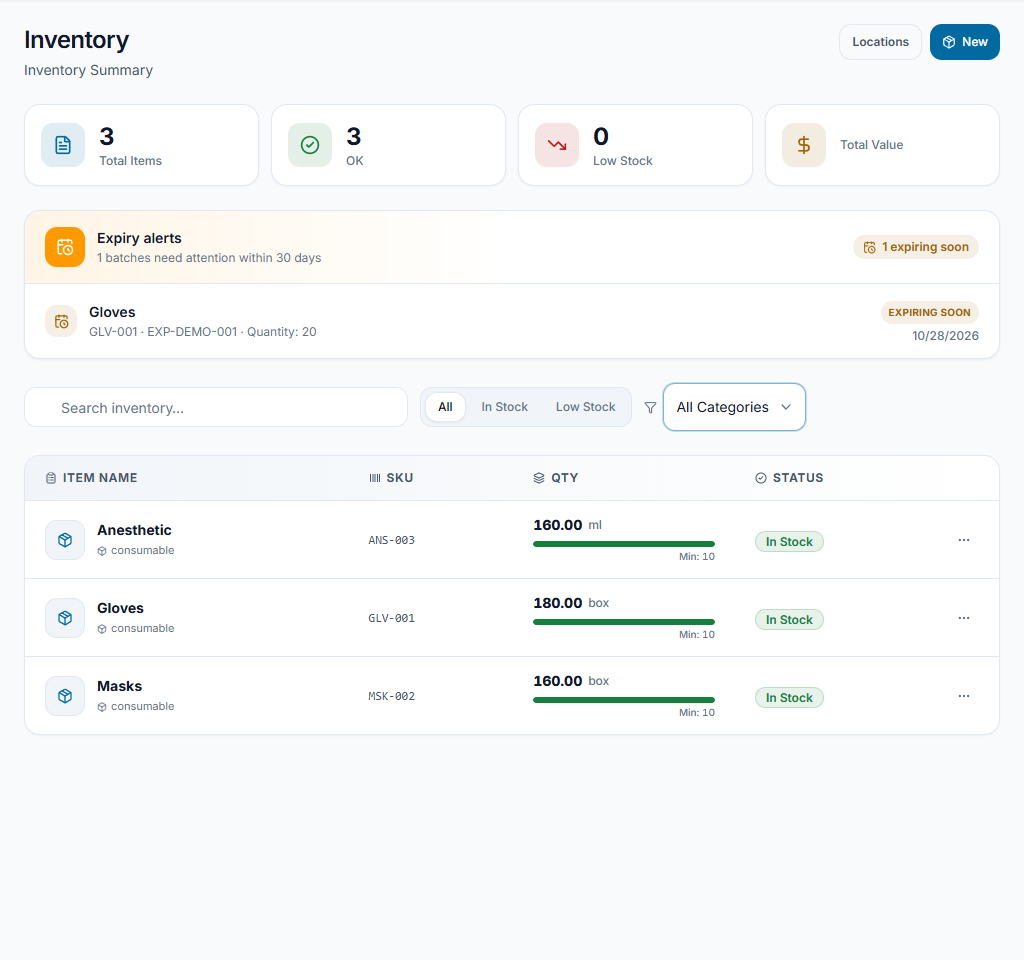
Find or create the item
Open Inventory, search the item/SKU and review its unit and minimum level. Use New only for a distinct item. Review supplier and location records where used by the clinic.
Check the result The intended item is tracked once with a consistent unit.
Record the stock movement
Open the item and use Add stock for actual receipts or Deduct stock for actual use. Enter quantity and applicable location/batch/expiry/reference fields shown by the form. Review units before confirming.
Check the result Recorded quantity changes correspond to a real movement, not a correction guessed from memory.
Review shortages and expiry
Check low-stock filters, batches and expiry alerts. Arrange replenishment or review expiring stock with the responsible team. Use transfers/counts for their own purpose rather than disguising them as consumption.
Check the result Available quantities and attention items can be explained by recorded movements.
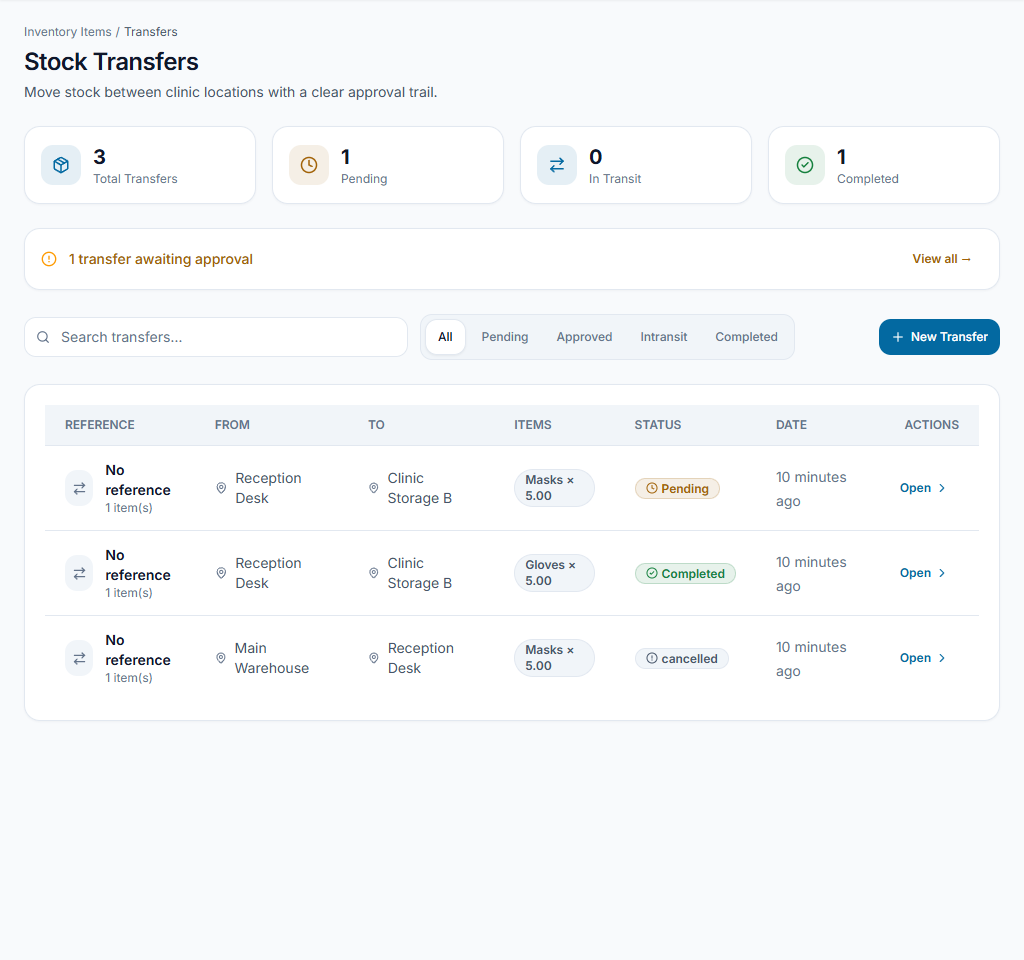
Worked example
Receive 20 boxes of gloves into the intended location; deduct boxes used in clinic work using the same unit.
Something not working?
The quantity looks wrong.
Review units, batches, locations and recent movements. Use a physical count and the approved adjustment process instead of blindly adding stock.
The screen or action is unavailable.
Ask the clinic administrator to check your role, individual permissions, clinic context and enabled modules. Do not use another person’s account.
Team checklist
- The intended item is tracked once with a consistent unit.
- Recorded quantity changes correspond to a real movement, not a correction guessed from memory.
- Available quantities and attention items can be explained by recorded movements.