

Prepare your clinic for its first working day
Configure regional settings, staff access, services and schedules, then rehearse a fictional visit.
By ClinBeam · Practical product workflow guidance
You are ready when reception, clinician and cashier can complete one fictional visit with their own accounts and correct permissions.
Where to work: Regional settings · Staff · Services · Appointments · Clinic administrator
Before you start
- A provisioned workspace and the clinic’s sign-in link.
- A clinic administrator account and the team roles to configure.
- Fictional records in an approved test workspace for transactional exercises.
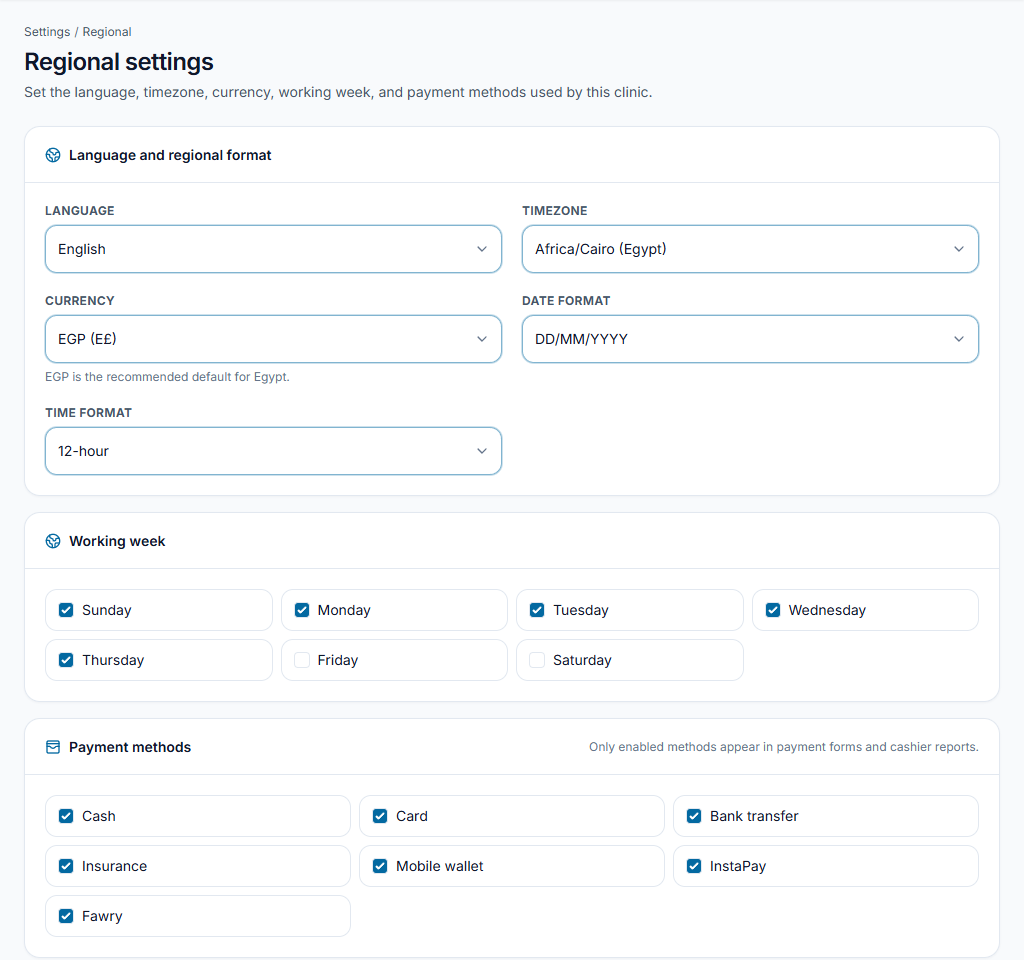
Set language, time zone and billing currency
Open Regional settings. Check language/direction, time zone, date/time format, patient billing currency, working days and enabled payment methods, then save.
Check the result Dates and patient invoice amounts display as intended. Patient billing currency remains separate from the subscription currency.
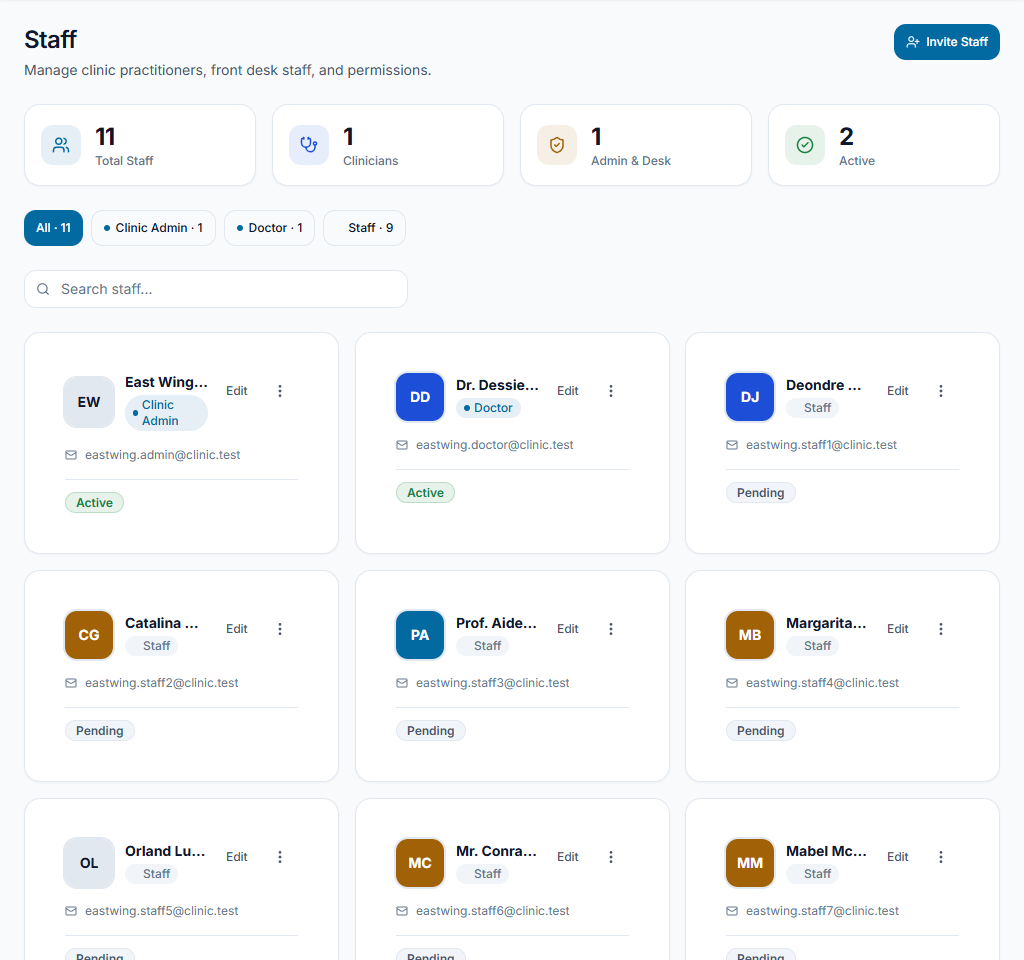
Give each staff member the right access
Open Staff, add team members with their actual roles and review permission overrides. Reception needs scheduling/front-desk access; clinicians need clinical tools; cashiers need relevant financial actions.
Check the result Each person uses their own account. Do not make everyone an administrator to reveal missing buttons.
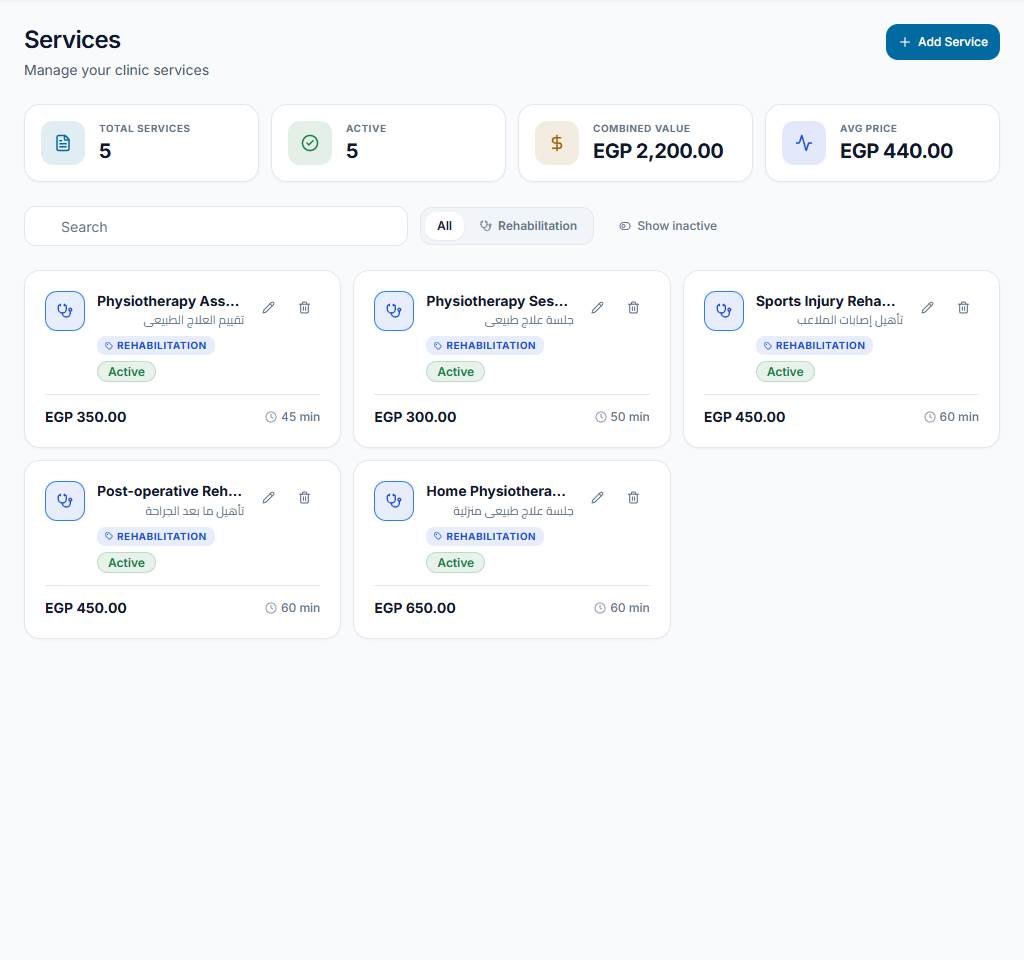
Configure services and provider availability
Add offered services in Services with configured prices and durations. Review clinician availability and working times in appointment scheduling. Configure rooms if your front-desk workflow assigns them.
Check the result Reception can choose the service, clinician and appointment time. A service price does not automatically collect payment.
Rehearse a visit and agree responsibilities
In an approved local/test workspace, create a clearly fictional patient and test booking, arrival, check-in, preparation, consultation and billing with the appropriate accounts. Note blocked actions, then review permissions. Agree who reviews unfinished visits, overdue balances, staff access and support requests before importing live records.
Check the result The handoff works for each role. Confirm import formats, private files, backup retention/recovery and exports with the team before moving real records.
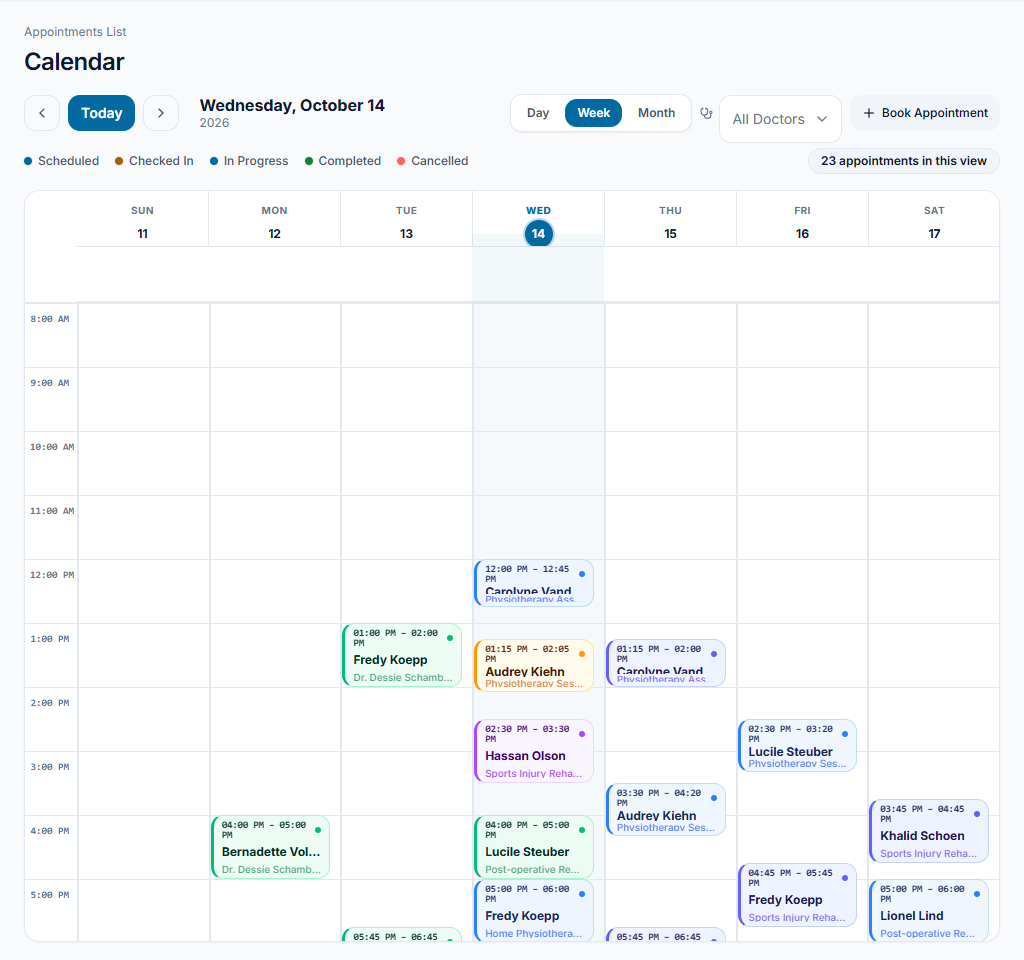
A useful first-day rehearsal
Use “Demo Patient — Training” in a permitted test workspace. Reception books and checks in, the clinician records a fictional consultation, and the cashier reviews the invoice and test payment. Fix the exact blocked permission instead of sharing an administrator login.
Something not working?
A service or clinician is missing
Review service configuration, clinician availability and active clinic/branch context. Confirm the account belongs to the relevant clinic.
Appointment times are wrong
Review the clinic time zone and display format in Regional settings before adding more appointments.
Staff cannot open a screen I can access
Review their role, permission overrides and the clinic’s enabled features. Do not share your credentials.
Team checklist
- Regional settings saved.
- Individual staff accounts and permissions reviewed.
- Services, provider availability and required rooms configured.
- Fictional visit rehearsed across staff roles.